🔗
Multiple Connections
Manage several Weaviate instances at once — local, on-prem, or cloud.
Browse features
The go-to management UI for self-hosted and custom Weaviate installations — local, on-prem, or cloud.

| VS Code | Cursor | Windsurf | Manual |
|---|---|---|---|
| Marketplace | Open VSX | Open VSX | Download VSIX |
Weaviate Studio is a VS Code extension that gives you a full-featured management interface for any Weaviate instance — local, on-prem, or cloud. Unlike Weaviate's cloud-only web UI, Weaviate Studio works with self-hosted and custom installations where no management dashboard exists.
Why Weaviate Studio?
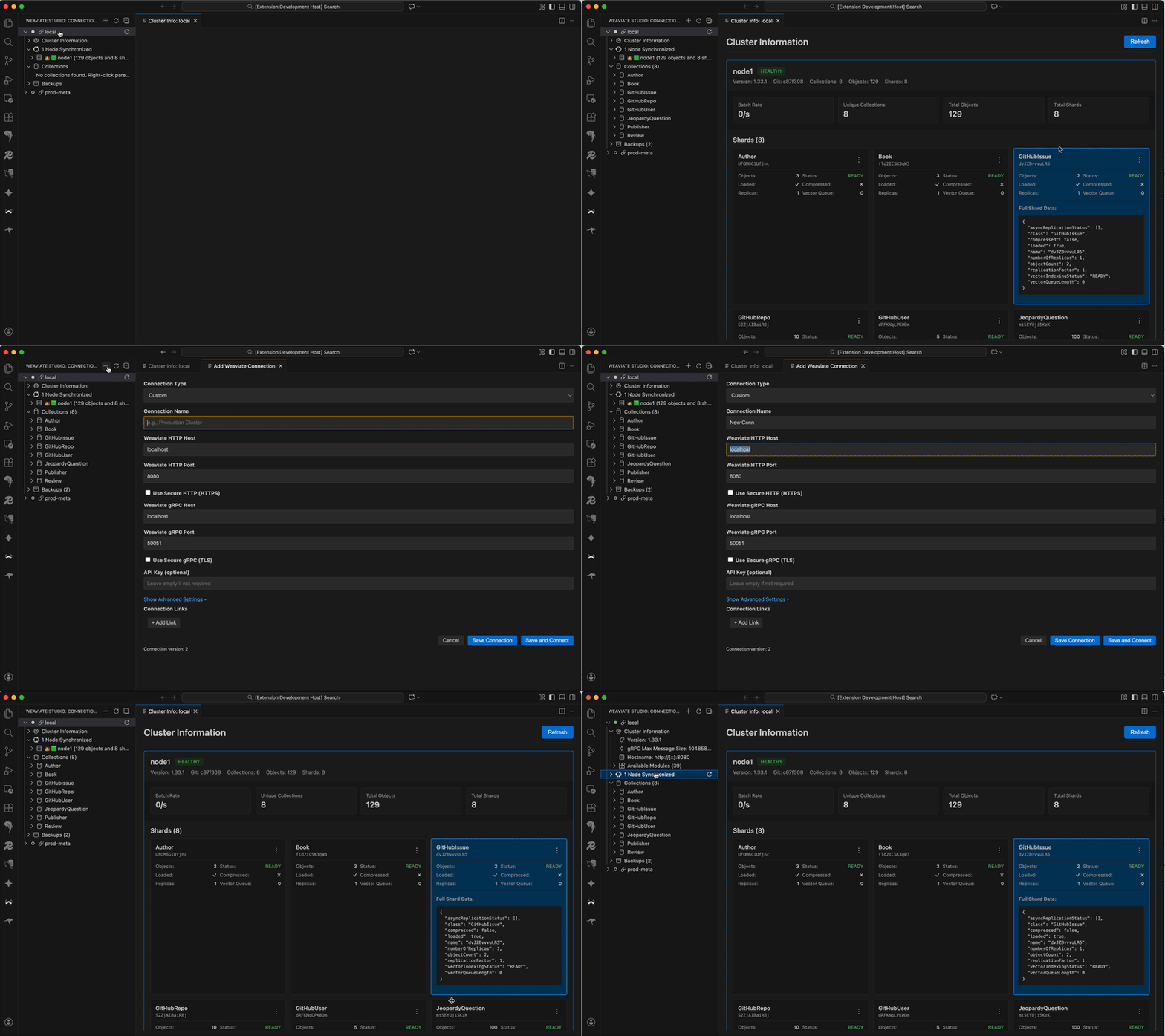
See the extension in action: tree explorer, query editor, and real-time results. Learn more →
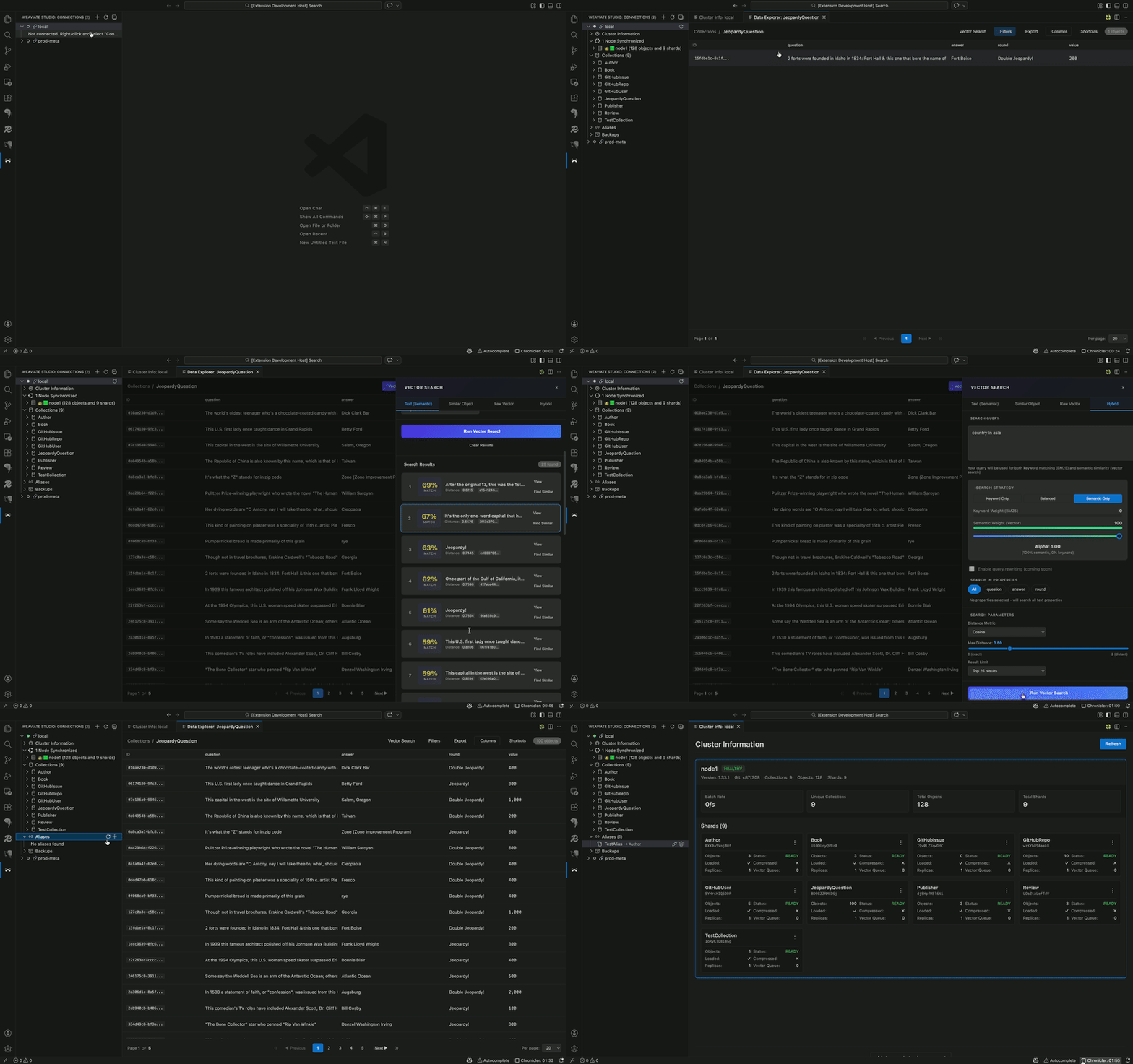
Interactive visual browser with advanced filtering, vector search, and data export. Learn more →
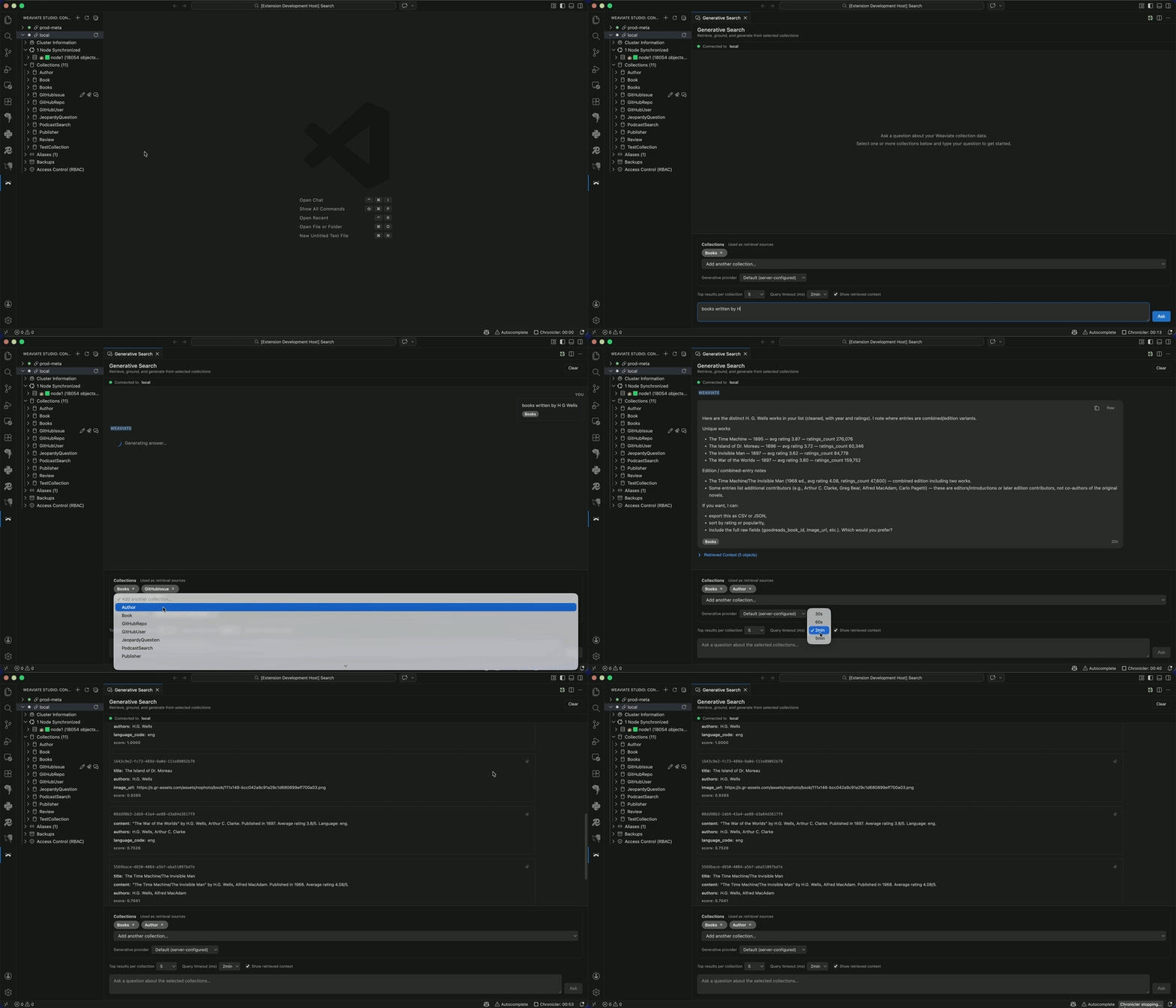
Ask natural-language questions across collections with RAG-powered answers. Learn more →
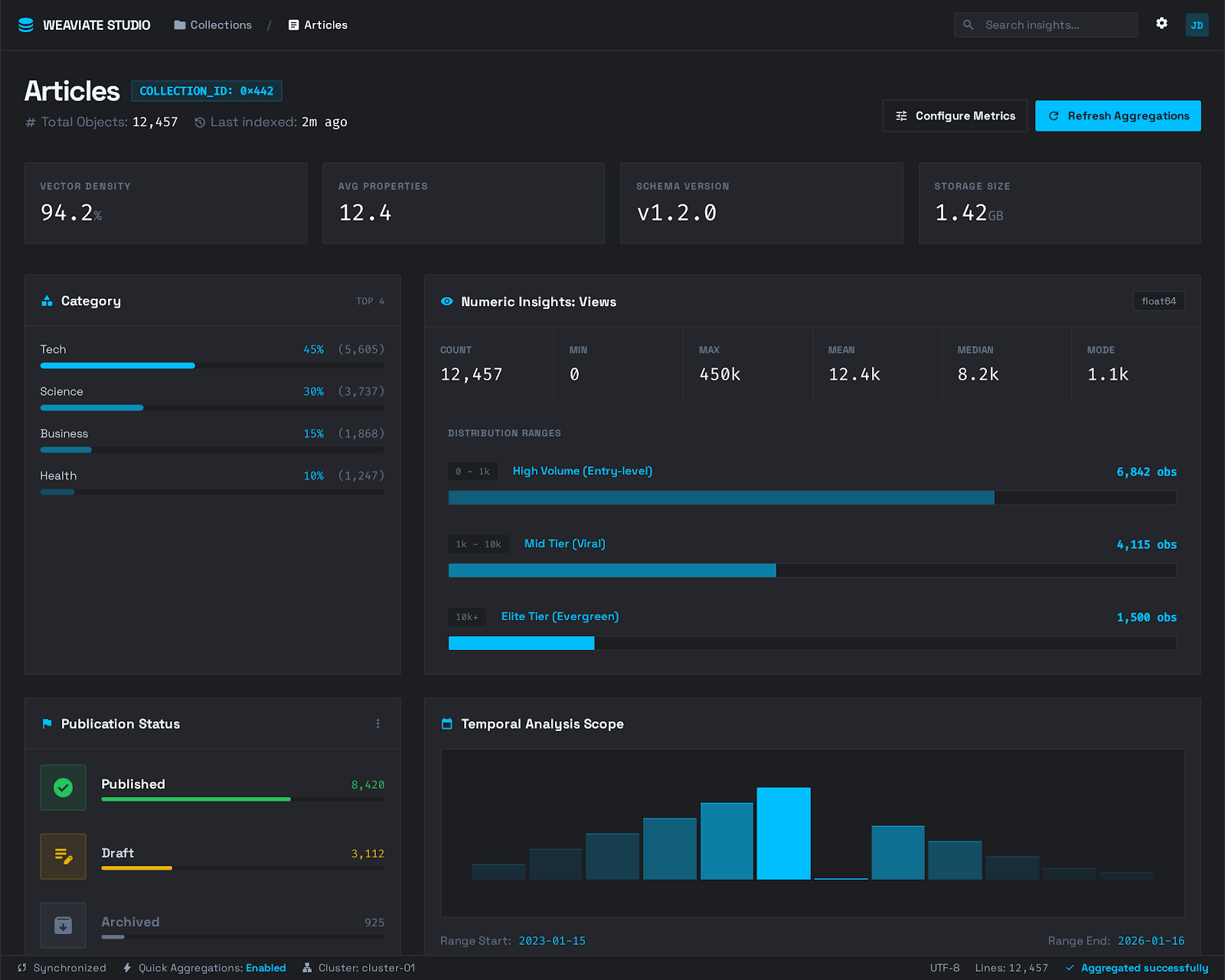
Monitor your cluster health, node status, shard distribution, and run diagnostic checks — all from a real-time dashboard. Learn more →
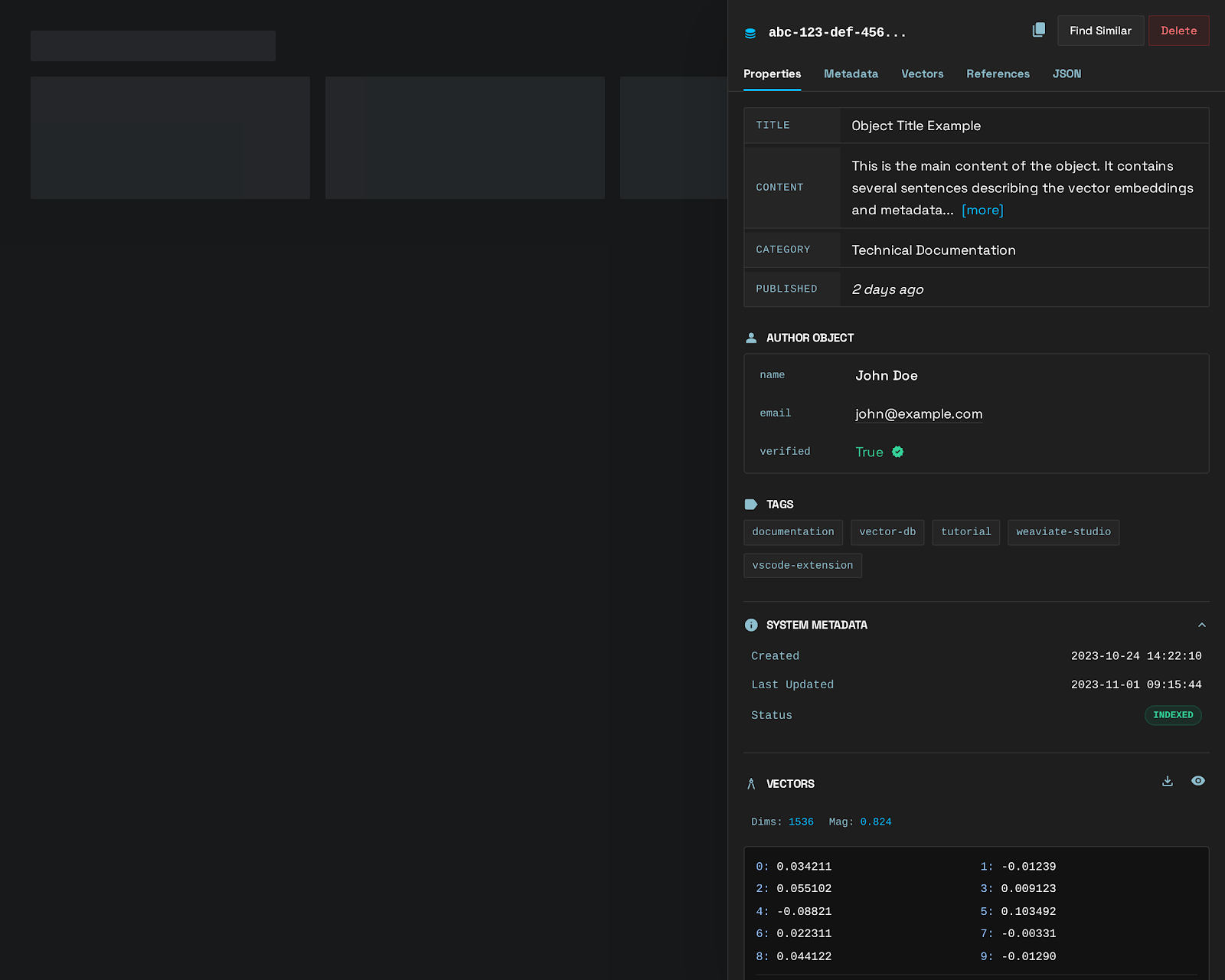
Browse collections, inspect nested properties, view raw JSON schemas, and generate API code equivalents. Learn more →
Manage users, roles, and groups with native RBAC support. Rotate API keys, toggle read-only mode, and control access per connection. Learn more →
Weaviate Studio works in all editors that support VS Code extensions:
Want to try Weaviate Studio right away? Our sandbox spins up a fully-configured Weaviate instance with sample data:
cd sandbox
docker-compose up -d
python3 populate.py